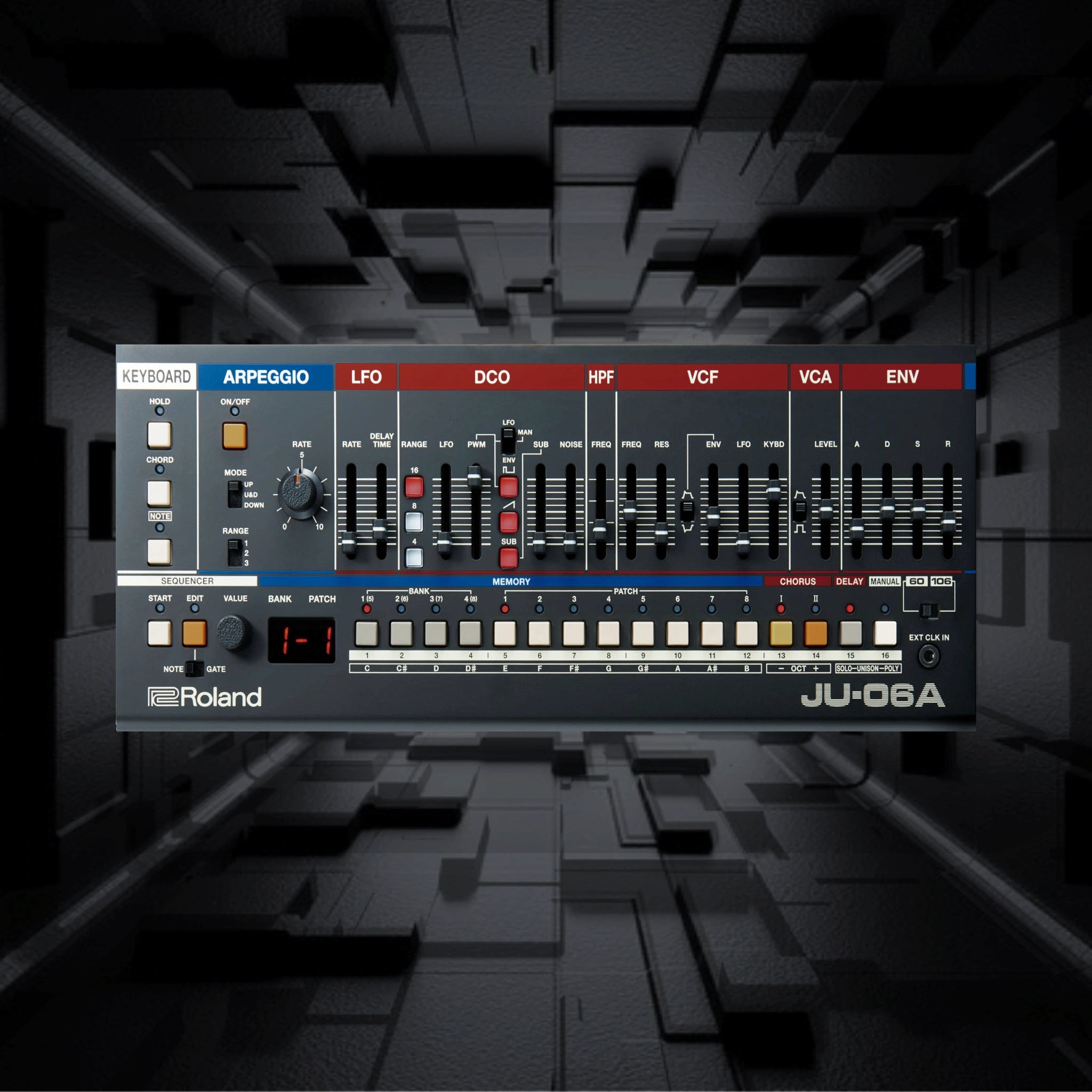
Roland JU-06A Presets

Roland JU-06A Presets: "Islands" Sound Pack

€20,00
Skip to product information
Roland JU-06A Presets

After the Roland SH-01a Colors sound pack, we proudly introduce our second preset collection for Roland's fantastic boutique series. "Islands" includes 64 Roland JU-06a presets for Ambient, Electronica, and Techno. Of course, they can also be used in other genres, too.

64 new Roland JU-06A Presets

  • Pads: 19
  • Bass: 19
  • Leads: 18
  • EFX & Percussion: 8

When programming these JU-06 patches, we've been focussing on the Juno 60 sound engine. Therefore, you will find a lot of presets that instantly bring back that cozy 80s vintage vibe, like an old VHS tape. Pads that emulate the flutter and wow of an old tape machine, go along basses and leads in the style of Boards of Canada and Tycho. Plus, a selection of effects and percussion sounds can be a great starting point to create your own synthetic drum rack.

Easy installation

In order to transfer the Roland JU-06A presets you'll only need to copy the sysex-files to the internal drive of your JU-06a.

First, connect the JU-06A to a Mac or PC via USB and start the unit in "drive mode" by pressing and holding the bank button (2). It will take about 20-30 seconds to boot. Second, open the JU-06A drive on your computer and make sure to backup your existing library first as the next step will erase your patches. Third, copy the JU-06A backup files into the “RESTORE” folder of the “JU-06A” drive. If there isn't such a folder, you have to manually create one.

After copying is completed, eject the USB drive and then press the ARPEGGIO [ON/OFF] button. Once the LEDs have completely stopped blinking, turn off the power Eventually, reboot your unit and make sure the switch on the JU-06a is in the JU-06a position as these presets are made for the Juno 60 emulation.

Installation Guide Roland JU-06A presets

FAQ

Are the Presets roalty-free?

All soundsets, samples, instruments, and presets from Limbic Bits are royalty-free and can be used for commercial or non-commercial music production, film scoring, game audio, and similar creative applications.


You are free to release, distribute, and perform works created using these sounds in any medium.

Restrictions: You may not

  • Resell, share, or distribute any Limbic Bits products or sound files in their original or derivative form.
  • Use any part of the content to create competing sound libraries, sample packs, or synthesizer presets.
  • All products remain the intellectual property of Limbic Bits. Unauthorized duplication or distribution is strictly prohibited.

Terms of Service

What is the Return Policy?

We want you to be satisfied with your purchase. However, due to the nature of digital products, refunds are subject to the following conditions:

Eligibility for a Refund

You may be eligible for a full refund if:

  • The product has not been downloaded (i.e., the download link has not been accessed).
  • The product was not as described in our documentation or promotional materials.

Refund requests must be submitted within 14 days of purchase.

Non-Refundable Circumstances

Refunds will not be issued if:

  • You have already downloaded the product (“breaking the digital seal”).
  • You change your mind after purchase.
  • The product is incompatible with your system (it is your responsibility to verify compatibility before purchasing).
  • The product has been used in a way that violates our license terms or is obtained illegally.

    More information Return Policy
When will I get my Order?

This Sound Set is a digital item - The download link will be provided via email upon purchase.

Trouble Shooting

In case something went wrong, please use a direct USB connection instead of a USB HUB or try a different USB cable. Also, please make sure to use the most recent firmware and librarian software.

You may also like