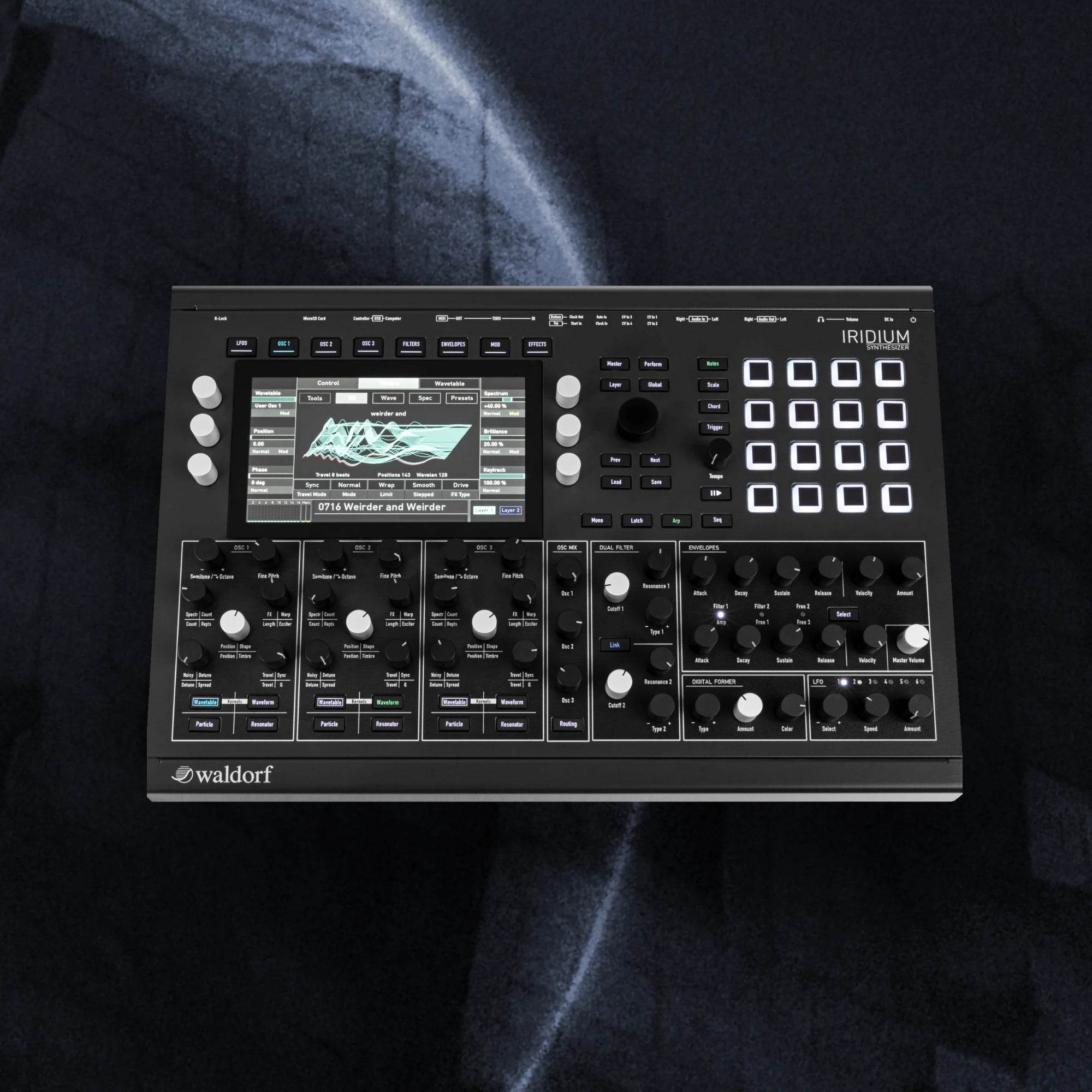
Waldorf Iridium Presets: Fusion Sound Pack

Waldorf Iridium Presets: "Fusion" Sound Pack

€27,00
Skip to product information
Waldorf Iridium Presets: Fusion Sound Pack

“Fusion” is the successor to the “Hibernation” sound pack for the Waldorf Quantum, Iridium Core, and Iridium series. This sound set includes 80 Waldorf Iridium presets, specially designed for Ambient, Dub, and Melodic Techno, as well as Electronica.
Many of these atmospheric sounds are also excellent for scoring. The pack is rounded off with nine new wavetables and a selection of combo sounds.

Bundle up and save money - with the Waldorf Iridium and Quantum "HiberFusion" Bundle

Fusion Includes 80 Waldorf Iridium Presets:

  • Pads: 20
  • Drones and Textures: 8
  • Bass: 11
  • Lead: 5
  • Arpeggio-Leads and Sequences: 14
  • Dub Chords: 14
  • FX: 2
  • Combo: 6
  • Plus 9 Wavetables

Waldorf Iridium Presets - Deep Dive: Kernel Synthesis, MPE Support, and More

Fusion combines the exciting kernel synthesis of the Iridium with resonators, VA, and wavetable synthesis. This results in unique textures and pads that are perfect for atmospheric productions. But the sound pack also includes powerful basses and complex leads—some of which already come with pre-programmed sequences or arpeggiators.

Of course, no Waldorf Iridium preset collection from us would be complete without Dub Chords. Fusion offers 14 signature sounds that work well across different Dub genres (and more). To get started right away, Fusion also includes a "Chord Template" for the sixteen trigger pads.

MPE Support, XY Pad, and More: Perfect for Performers and Sound Designers

Many of the meticulously programmed sounds take full advantage of expressive tools. Not only are the mod wheel, velocity, and aftertouch an integral part of the presets, but MPE and the internal X/Y performance pad also control various parameters in many sounds.

The assignments go beyond simple mod wheel vibratos and are precisely tailored to each preset. This means that many of the presets can be transformed into completely different sounds with just a few tweaks—without requiring extensive sound design knowledge. Macro assignments in the kernel oscillators further support this flexibility.

Easy Installation

Read me - Waldorf Iridium Patches: Fusion Sound Pack

Preset Overview

Preset Overview - Waldorf Iridium Patches: Fusion Sound Pack

FAQ

Are the Presets roalty-free?

All soundsets, samples, instruments, and presets from Limbic Bits are royalty-free and can be used for commercial or non-commercial music production, film scoring, game audio, and similar creative applications.


You are free to release, distribute, and perform works created using these sounds in any medium.

Restrictions: You may not

  • Resell, share, or distribute any Limbic Bits products or sound files in their original or derivative form.
  • Use any part of the content to create competing sound libraries, sample packs, or synthesizer presets.
  • All products remain the intellectual property of Limbic Bits. Unauthorized duplication or distribution is strictly prohibited.

Terms of Service

What is the Return Policy?

We want you to be satisfied with your purchase. However, due to the nature of digital products, refunds are subject to the following conditions:

Eligibility for a Refund

You may be eligible for a full refund if:

  • The product has not been downloaded (i.e., the download link has not been accessed).
  • The product was not as described in our documentation or promotional materials.

Refund requests must be submitted within 14 days of purchase.

Non-Refundable Circumstances

Refunds will not be issued if:

  • You have already downloaded the product (“breaking the digital seal”).
  • You change your mind after purchase.
  • The product is incompatible with your system (it is your responsibility to verify compatibility before purchasing).
  • The product has been used in a way that violates our license terms or is obtained illegally.

    More information Return Policy
When will I get my Order?

This Sound Set is a digital item - The download link will be provided via email upon purchase.

Trouble Shooting

In case something went wrong, please use a direct USB connection instead of a USB HUB or try a different USB cable. Also, please make sure to use the most recent firmware and librarian software.

You may also like